lx → µmol
Lux to PPFD
Turn a lux reading into PPFD with the right factor for sun, white LED, HPS or fluorescent.
Light, measured
How much light your plants, rooms and photos need, in lux, foot-candles, PPFD, DLI and EV. Clear target tables, five free calculators, and an iPhone meter that reads the light where you stand.

LightMeter Pro. Your light, measured. Lux, EV and PPFD from the phone in your pocket. Free to download. Plans and offers are shown in the store.
lx → µmol
Turn a lux reading into PPFD with the right factor for sun, white LED, HPS or fluorescent.
mol/m²/day
PPFD and hours to daily light, compared with the band for your plants.
lx ⇄ fc
Both ways, with what the number means for plants and rooms.
lm
How many lumens a room needs, and lux to lumens for any area.
EV · f · s
Sunny 16, a measured EV or a lux reading to aperture and shutter pairs.
fc · PPFD · DLI
How much light each kind of plant needs, and whether your window or lamp gives it.
lux · lumens
Light levels by room and task, units explained, and the evening and therapy-lamp numbers.
EV · f · s · ISO
Metering, the exposure triangle, sunny 16 and the rules that still work on film and video.
Photone, myLightMeter, Lightme, LM-3000, Lux Light Meter and more compared with prices as of November 2026, plus when a Sekonic or PAR meter is worth it.
LightMeter Pro for iPhone
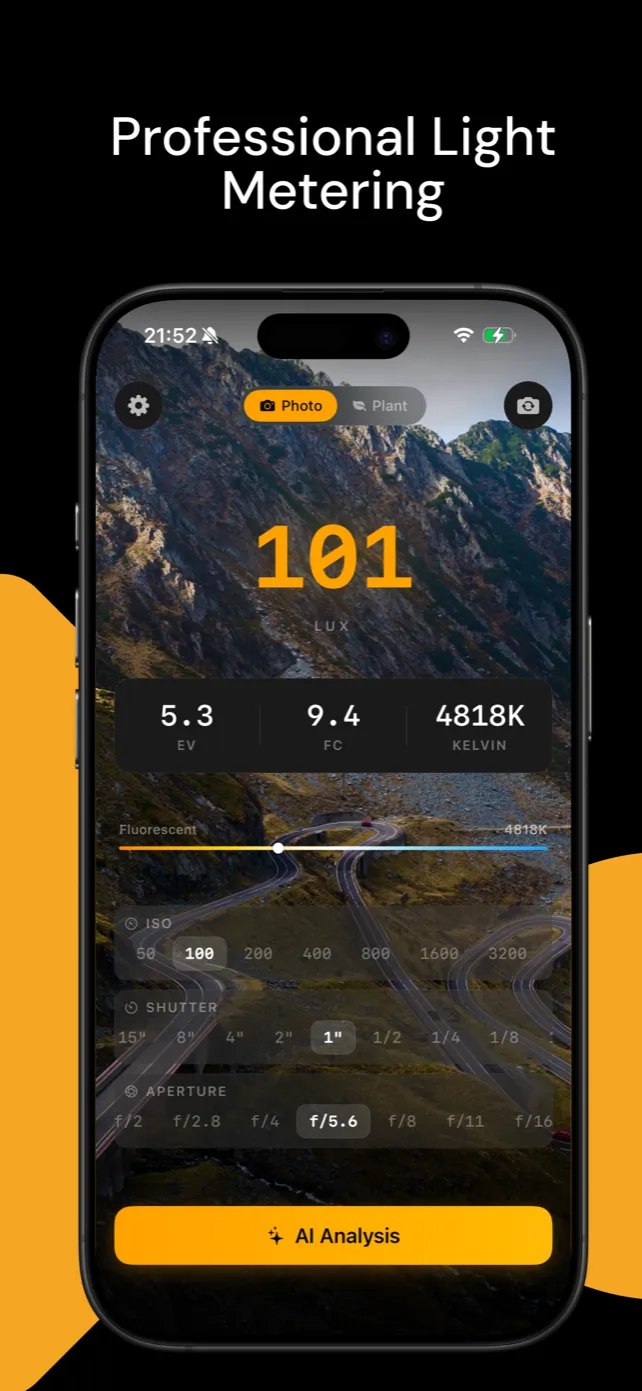
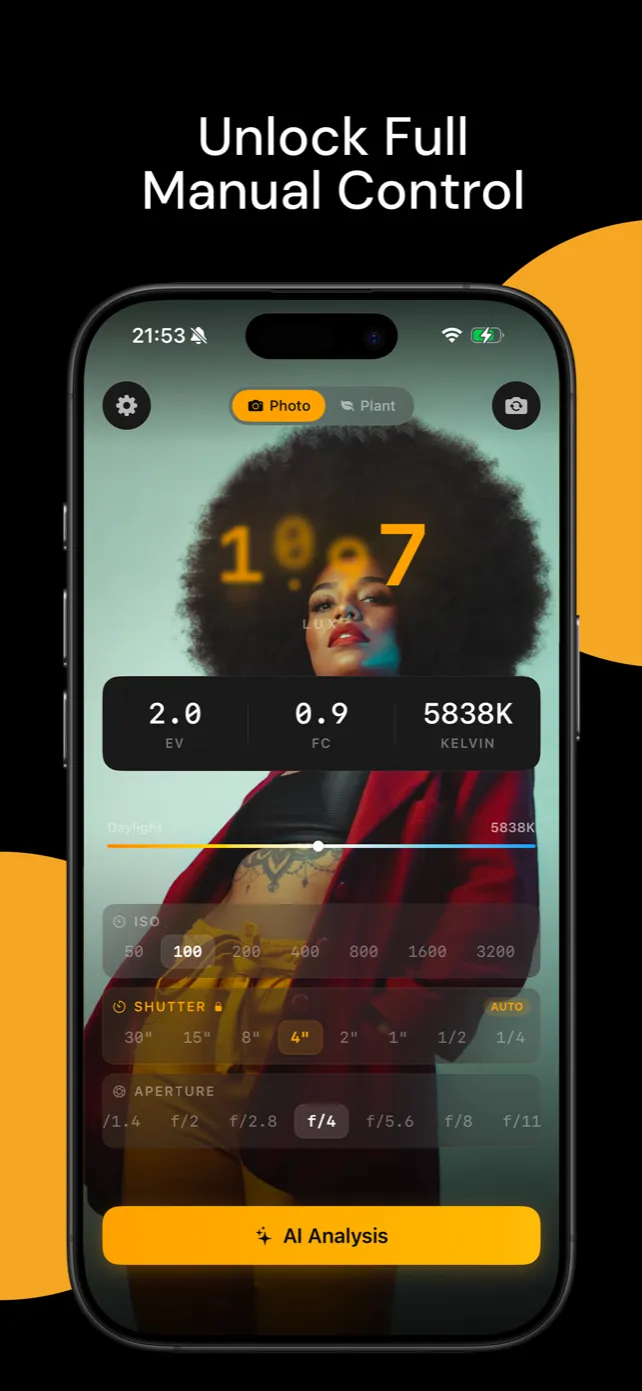
Open the app, aim the camera, and get a live lux, foot-candle, EV and Kelvin reading. In Plant mode pick the light source and the hours, and read PPFD and DLI on the spot.
Free to download. Plans and offers are shown in the store.